Independent educational publication. maroc-telecom explains mobile networks and internet use in Morocco. We do not sell plans, SIM cards, or connections, and we are not the mobile operator IAM. Read the disclaimer.
Note 03 · People
Staying in touch when you are apart
Published · Updated · About 13 minutes · By maroc-telecom
Put Morocco’s clock first
Since 2018 Morocco has stayed on UTC+1 through the year. Other countries still move for daylight saving, so the gap changes even when Morocco does not. Check both clocks on the day, not from memory of a previous trip.
Morocco
UTC+1
The reference time for these notes.
United Kingdom
0 or +1
GMT in winter, BST in summer. The gap with Morocco flips.
France, Spain
+1 or +2
Often the same hour as Morocco in winter, one hour ahead in summer.
US Eastern
−5 or −4
A Casablanca evening can be morning on the US east coast.
These offsets are the usual civil times. They are not a promise for a future law change. Confirm the pair of cities on the day you call.
Send the number in a form that travels
If you are using a Moroccan mobile, send +212 and the number without the leading 0. If you are calling a Moroccan mobile from abroad, do the same. Saving the number with a local trunk prefix from your home country is a common reason a call “does not exist”. The digits are right and the country code is wrong.
A messaging app uses an account, which may be tied to a phone number. Changing SIMs can log that account out or send a verification text to the old number. Before you swap, make sure you can still receive that code, or move the account while the old number still works. This is account hygiene, not a carrier setting.
Pick a weight of conversation
A text uses very little data. A voice note is heavier, but usually far lighter than video. A video call with the camera on is the heavy option, and it is the first to fail in a weak spot. Agree the weight before the sentimental moment. “I will call on video at 19:00 Morocco time, and if it stalls I will switch to voice” is a complete plan.
Rough weights are in reading data use. They are illustrations, not a meter.
Leave a fallback that does not need a speech
If a call fails, redialing five times in a stairwell rarely helps. Move toward a window or outdoors, then try once. If it fails again, send a short message: where you are, that you are fine, and the next time you will try. The message lands more often than the video, and it stops the other person from imagining a worse reason for the silence.
For someone who does not use apps, a scheduled voice call on the phone number itself is clearer than a new install. Write the time in both clocks in a message they already know how to read. If they are the one in Morocco and you are abroad, ask them to stand near a window for the first attempt. Indoor walls are a frequent, boring cause of a missed call. More on that in signal.
Share presence without sharing a password
A hotel or café Wi-Fi name is not a private line. The password is shared with everyone on that network. Use it for maps you downloaded and for ordinary messages. Avoid typing banking passwords on a network you do not control. A personal hotspot from a phone you trust is a different thing: the data comes from that phone’s own subscription, which may be roaming. Check that cost before you tether a laptop all evening. Wi-Fi and calls separates those cases.
A message that survives a bad evening
Send the plan before you need the plan.
“I will try a video call at 19:00 in Morocco, which is 20:00 in Paris today. If it stalls I will switch the camera off. If that fails too I will text from this number: +212 6 00 00 00 00. I am fine if you do not hear a voice.”
Replace the clocks and the number. The shape is the useful part: Moroccan time first, their time second, the fallback named, and a sentence that silence is not an emergency. Send it on a channel they already open. A new app installed an hour before the call is a second project, not a backup.
If they do not use smartphones, the same plan fits in an SMS, with the voice call on the ordinary phone number. Do not ask them to create an account in order to hear that you arrived.
Light
Text, then a voice note
A text uses almost nothing and lands when a call will not. A short voice note carries tone without holding a live channel. Use these when you only need to say where you are and when you will try again.
Middle
Voice, camera off
An app voice call is the conversation most rooms in a medina can actually hold. Agree it as the default, and treat video as a bonus if the picture stays steady for a minute. Weights are in reading data use.
Heavy
Video, on a clock
Camera-on calls belong on Wi-Fi you trust, or on a short window you can afford to lose. Stand near a window for the first minute. If the picture freezes, do not restart five times. Drop to voice, then to the text you already promised.
Someone who only answers the phone
A parent or a neighbour may ignore every app and still pick up a normal ring. For them, the Moroccan number in +212 form, saved in their contacts by you or by a relative standing next to them, matters more than any platform. Call at the hour you wrote down. If they miss it, one text to a younger relative in the same house is the fallback, not a new installation.
Changing your own SIM can also knock you out of a messaging account, because the verification text goes to the old number. Move or confirm the account while the old SIM still receives SMS. Do that the day before you travel, not in the airport queue.
When you are the one abroad
Ask the person in Morocco to try the first call from a window, and to send you their number with +212 already attached. Evening in Casablanca can be morning where you are. Put both clocks in the message so nobody is “late” by an hour they did not know had moved. Morocco has stayed on UTC+1 since 2018. Your city may still jump for daylight saving. Check the pair on the day.
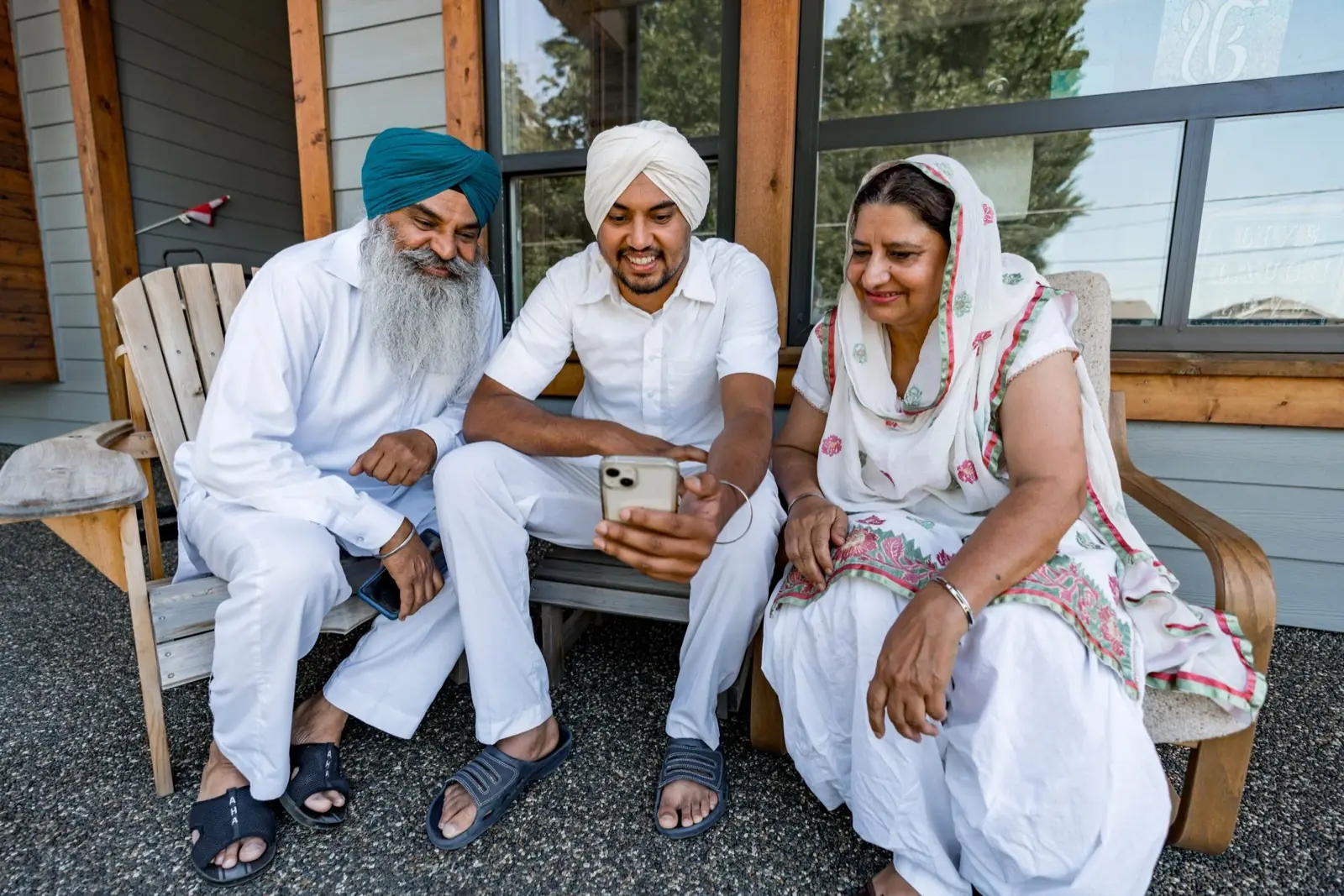
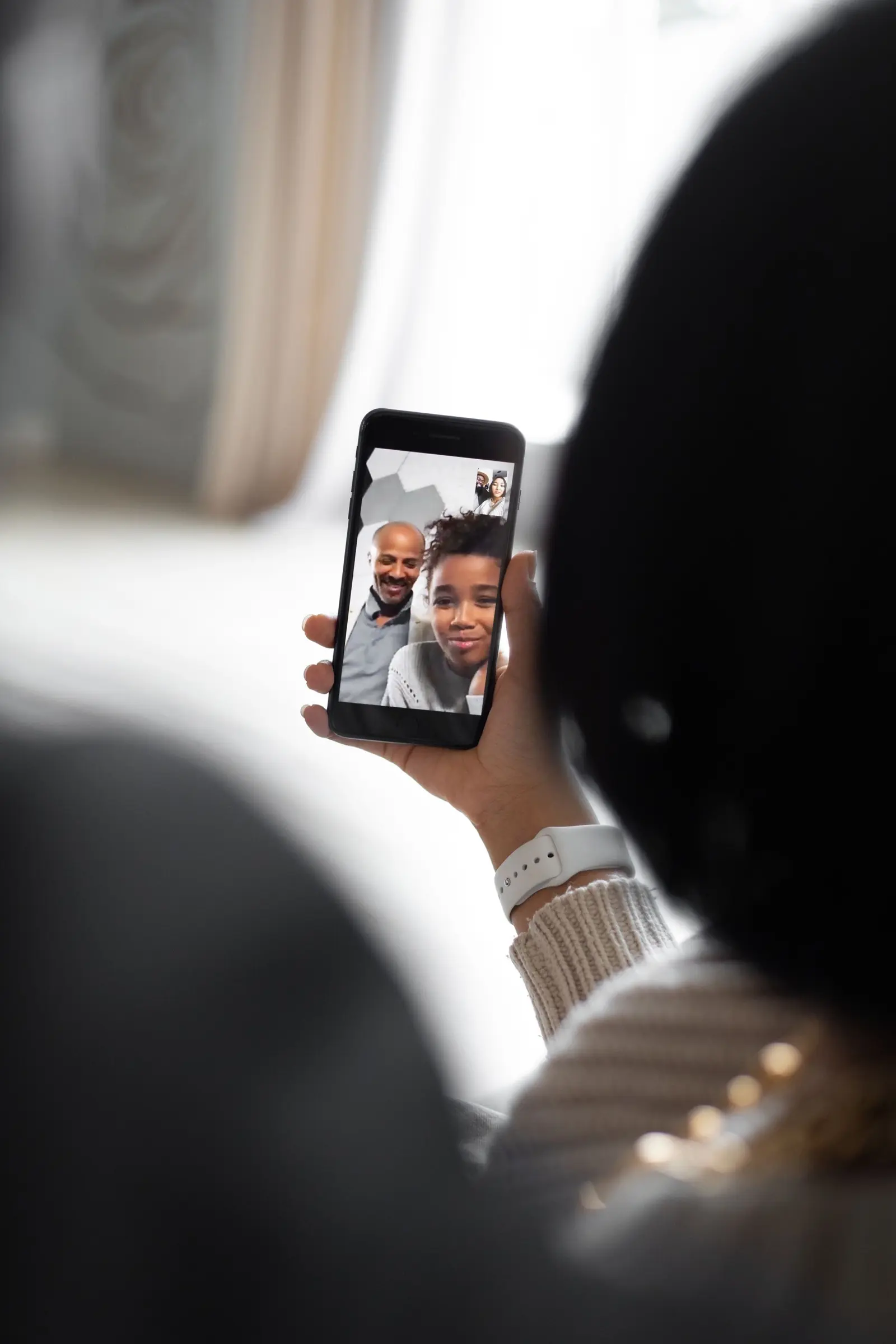
Photographs via Pexels. They illustrate people sharing a phone. They are not portraits of our readers, and we do not publish reviews.